
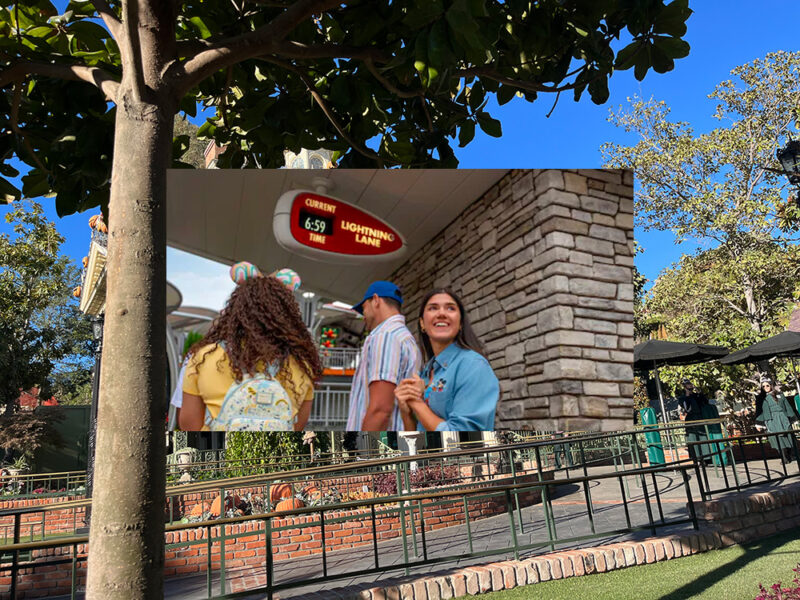
In December 2021, after more than 20 years of the “FastPass” system (which this feature length documentary will tell you all about so I don’t have to), Disneyland scraped their relatively groundbreaking – if imperfect – queue cutting system, in favour of “Genie+”.
The catch: putting it more in line with the add-ons offered by their competitors, it would no longer be included with the price of admission.
The “Genie+” system was established as a paid extension of their “Genie” planning tool in the Disneyland app, allowing ride-goers to pre-book express entry (now called a “Lightning Lane”) on rides before they arrived, as well as request new “Lightning Lane” entry passes, on your phone, while in the park.
The line between “Genie” and the “Genie+” was always a bit confusing, however, so in July of last year, Disneyland changed things up again. Now, the title of “Genie” would be reserved for the app’s day planning interface, and guests would purchase a “Lightning Lane Multi Pass”, which would provide timed entries on a wide variety of rides in the park.
So, how does the “Lightning Lane Multi Pass” system work?
The service will cost you a minimum of $34 per person, but on days with more demand this may be increased. When I attended earlier in the month, it was $37 on a sold out day for the park. It’s something you can purchase yourself once you link your ticket up to the Disneyland app in your phone.
Unlike the FastPass system, where you collected physical tickets at the entry zone of a ride to return at a later time to ride with a reduced queue, here the service will only really work if you have a smartphone. While the assumption is that most people do these days, it does present an immediate barrier for access, that the FastPass system did not.
The add-on service gives you access to the Lightning Lanes, which replace the old FastPass queues, and ensures you have a much shorter wait time to enjoy the ride. You can only book one ride at a time – and then you can’t book another one until you’ve ridden that ride, or until two hours has passed, whichever is sooner. Helpfully, the app tells you the time you can book the next one. All this is to say, there’s a need to be strategic about your choices.
A more popular ride, for instance, may give you an entry time of much later in the day, meaning you can’t access any the Lightning Lanes for at least two hours. But Lightning Lanes aren’t the only way to lower your wait time and fit more rides into your day.
Many rides still have single rider queues, like the Incredicoaster at California Adventure, and even Space Mountain and the Matterhorn at the OG Disneyland. So mixing up Lightning Lanes and single rider queues definitely is an option for those looking to maximise their time on rides.
As the park gets closer to closing – 2 1/2 hours or so away (and sometimes even sooner) – you’ll start to notice lane passes disappearing, so it’s important you don’t wait to long to get yours. And yes, the cost covers both parks if you have a “Park Hopper” pass. So after 11am, when you are allowed to jump between both parks (before then you have to choose one park of entry), you can start to make decisions at both parks.
Are there exceptions?
Sadly, yes there are exceptions – that $34+ doesn’t give you access to all 22 Lightning Lanes. In California Adventure, the Cars based attraction Radiator Springs Racers and in Disneyland, Star Wars: Rise of the Resistance – will still cost you extra per ride. Cars was $18 and Star Wars was $22 on my recent visit, but other days may be more or less. Though it’s also worth mentioning that Cars has a single rider queue, which will save time compared to the main queue.
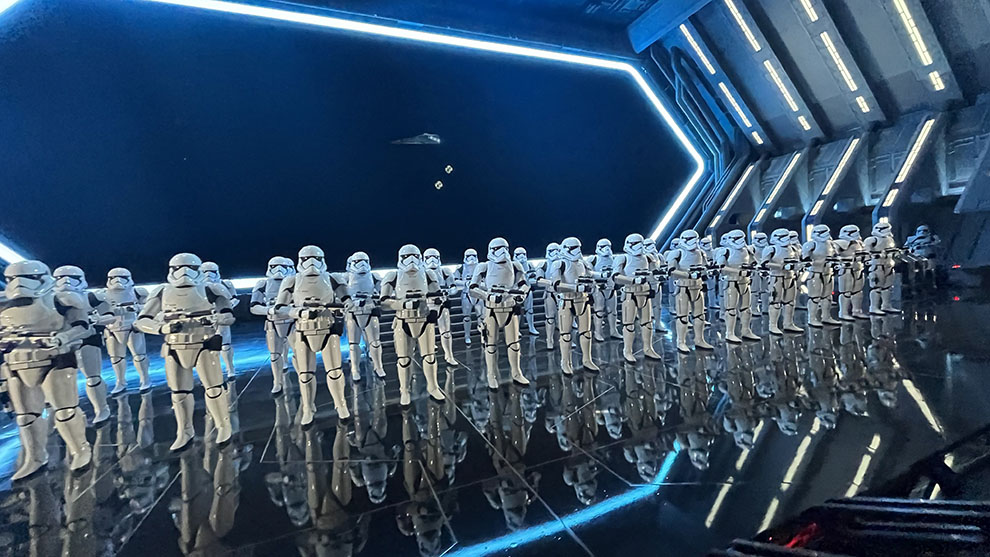
So, by jumping between Lightning Lanes, as permitted, and single rider queues, where they existed, and then sucking it up for the newer “premium” attractions. I got to jump on just about every ride I wanted to in the park, which certainly ensured that the $37 I’d spent did not go to waste. Had I not spent it, I definitely wouldn’t have made it on as many attractions as I did.
However, you do have to factor in the fact you have to be glued to your phone to take full advantage of it. Which does take away from the magic of the place somewhat. There have recently been some reports that they may be looking into ways around this, so it will be interesting to see how that develops.
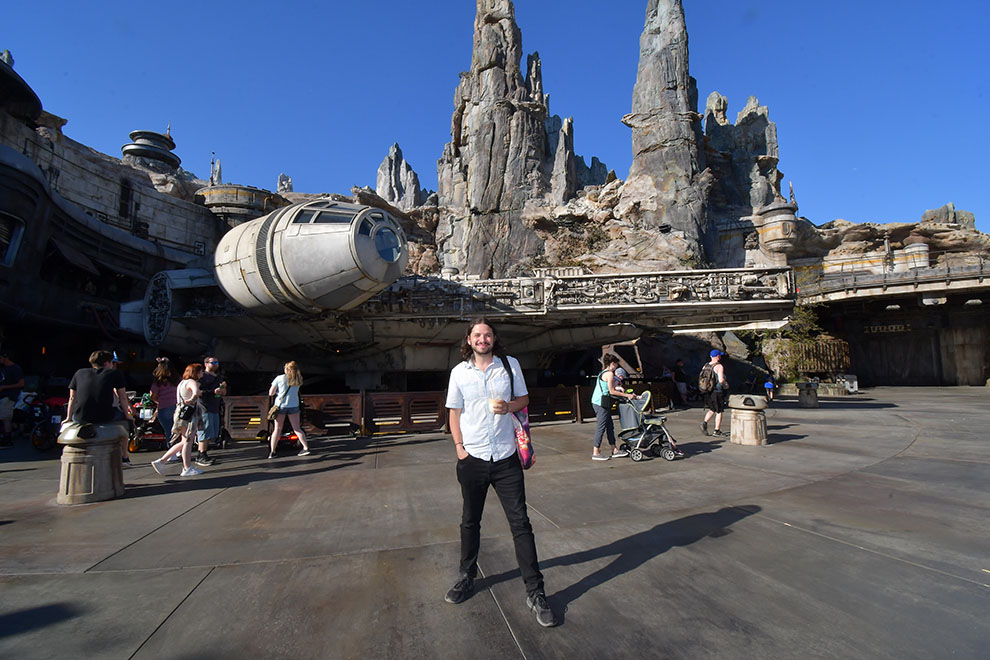
But the real value in the pass is found in the other benefit: digital photos. What would once have cost money for one photo, is now inclusive with the pass. And it seems like you can get about as many attraction and in park photos as you can handle.
From a picture out the front of Disney Castle, to your face just before it drops out of view on Guardians of the Galaxy – Mission: BREAKOUT!, you’re able to put the code into the Disneyland app (or have the photographer scan a QR code), and access hi-resolution (5MB) copies of all the photos. As someone who always wants to get photos from rides, but can’t justify the cost, this alone makes the add on a must purchase for the Disneyland experience; so long as you have a smartphone, of course.
Though it’s worth mentioning that in the last year or so, the park has been offering select free ride photos through the app for all park guests. It’s unknown if this is a temporary addition or not – so double check this before you visit the park.
Missed out on a Lightning Lane for your favourite ride? Here are some hot tips!
One of the quirks of the system is that sometimes a ride will run out of Lightning Lane passes pretty early in the day. I noticed this particularly for attractions like Indiana Jones and Guardians of the Galaxy. But if you miss out on a Lightning Lane pass for one of these rides, there are a couple of hacks – but it requires a bit of luck.
Firstly, you can keep checking the app – if someone cancels their pass, that time will reappear. You can even do this when you already have a reservation in the system. Just click “Modify Plans” to see what other options are available.
Secondly, if a ride cancels on YOU – that is, any ride goes down in the period you’d have used the pass – in its place you get a free use Lightning Lane pass that you can use at any time that day, on any ride that has a Lightning Lane (other than Rise of the Resistance and Radiator Springs Racers).
This means that even if Indiana Jones or the ever popular Toy Story Midway Mania has stopped taking Lightning Lane registrations for the day, you can still make it in. Plenty of rides will go down for short periods during the day, so there is a good chance this could happen to you. Just hit the home screen in the App to redeem the pass.
TL;DR – So, is the Genie+ pass worth it?
Honestly, for the photos alone the pass pays for itself; which is clever on their behalf, because I feel like if it was just the Lightning Lane access, you mightn’t be as satisfied. The add-on costs for some of the most popular rides is the only thing I don’t like about the service – it creates a false economy with some of its rides.
But on the whole, my $37 was money well spent. I paid the extra for one day, and I didn’t for the next, and it was night and day how many more rides I was able to fit in thanks to the service. I also should add, the app works really well, and every time I’ve visited the park since its inception, it keeps getting better. Even if you don’t pay for the Multi Pass, it’s clever at helping you suggest what to ride and when, as well as giving you lots of fun things to do while you wait in line. And, as mentioned, all users will at least be able to enjoy ride photos from attractions like Tiana’s Bayou Adventure and Space Mountain.
But there’s something to be said for not having to use the app constantly, and so – don’t worry – Disneyland have do have an option for you there. But it’ll cost you.
…Introducing “Lighting Lane Premiere Plus”
Yes, there is a new, premium version of the experience where you can access any of the 22 Lightning Lanes across both parks (including Rise of the Resistance and Radiator Springs Racers), at any time of day. Though, as in their other offerings, you can only access each ride once per day. However, the cost here is substantial. Between $300 and $400 per person. Is that the price put on the guest’s attention to the park, instead of the app? Perhaps.
Getting to Disneyland
It’s an easy trip to Disneyland from Los Angeles Airport (LAX) or the nearby Orange County Airport (SNA) or even Long Beach Airport (LGB), by car or Uber/Lyft.
A train to Anaheim can be caught from LA’s Union Station, and the Flyaway shuttle bus from LAX will take you straight to Union Station.
There are also some Disneyland Resort shuttle buses you can look into.
Once you’re in Anaheim, select hotels have free shuttles as well direct to the park, while others are within walking distance. That is the case for all three of the official Disney Hotels. And hotels like the Hilton Anaheim are a 20 minute or so walk away. Anaheim also have a transit network – the ART – that will help you connect to all the rest for a fee.
If flying from Australia, Delta, Qantas, United and American Airlines all offer direct flights to Los Angeles from the East Coast of Australia. Hawaiian Airlines will also get you there via Honolulu, and Fiji Airlines via Nadi.
The author visited as a guest of the park, and tried out the “Multi Pass Experience” at his own expense. While at Disneyland we stayed at the Hilton Anaheim, an official Disney Good Neighbor® hotel.
All prices were in USD and correct at the time of printing. Check here with Disney for the latest details.
Headline image features an photo provided by Disneyland.
