

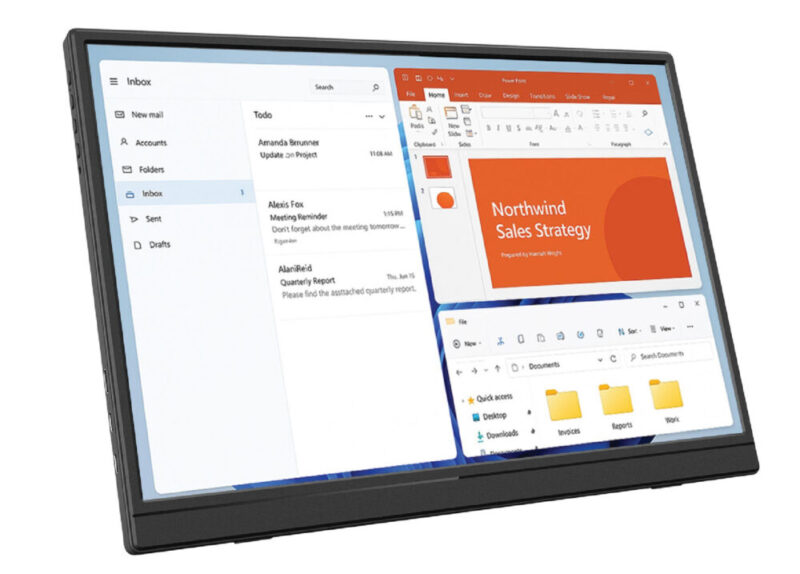
There was once a time in my life when I only operated on my laptop. That’s right, one tiny screen to help me see everything I was doing. Nowadays, I feel like most people, including myself, need a minimum of two screens. So when I’m at home, I have my laptop and a monitor, which I think is a pretty decent set-up. But when I’m on the road or out and about, I’m forced to operate on my one screen and feel like my productivity halves.
To be honest, I never once thought about the possibility of a portable screen. When the offer to review a portable screen first came to me, for a split second, my immediate thought was, “Is it going to be an inconvenience?” and I was quickly proven wrong with the Laser 14” Portable Monitor.
Box Contents
- 1x Monitor
- 1x USB-C to USB-C Charge/Sync Cable
- 1x HDMI to Mini HDMI Cable
- 1x User Manual
Design
The Laser 14” Portable Monitor has a simple design, featuring a 14” screen, with integrated dual speakers, two USB-C ports and a mini HDMI port, as well as a headphone jack. It also has the Power Button, and buttons to function the On Screen Display, brightness, and volume. Other versions of the Laser also come in 15.6” with or without a touch screen.
The screen has a refresh rate of 60Hz, with a 1920 x 1200 resolution, and weighs only 560 grams.
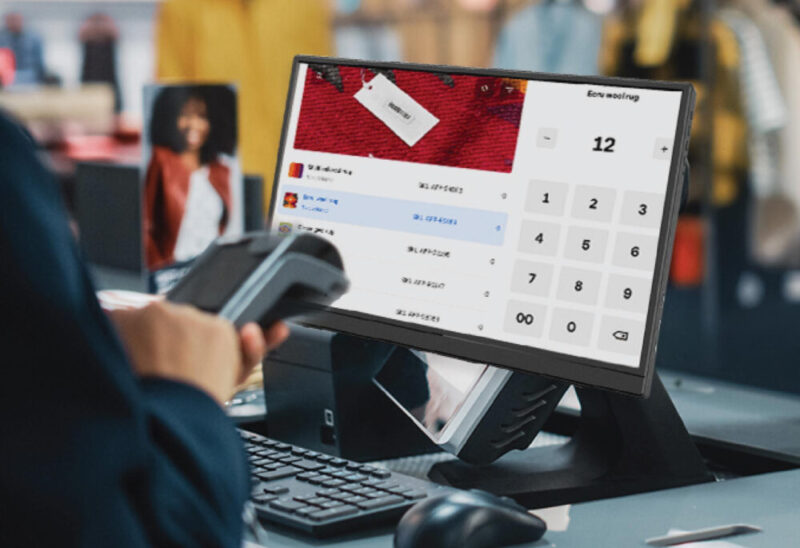
Conveniently, there is also an adjustable kickstand that allows you to view the screen at whatever angle you’d like. But you also have the option to attach the screen to a monitor arm, with the inclusion of a mount on the back of the screen if the stand takes up too much space on your desk.
Performance
The setup of the screen is incredibly intuitive and took a minute literally to do. All you really have to do is plug in the screen and connect it to your laptop or desktop, reconfigure the settings to how you like them, then it’s done.
I first used the Laser 14” Portable Monitor indoors as a third screen on my desktop setup, and it fit right in. I kept the dimensions to 1920 x 1080, and I was able to use the screen as a way to keep track of my Slack notifications and any incoming emails. I had no issues with any type of glare; the screen was bright enough, had really great colours, and was an all-around great tool to help with productivity. Honestly, I never realised how much I needed a third screen until now.
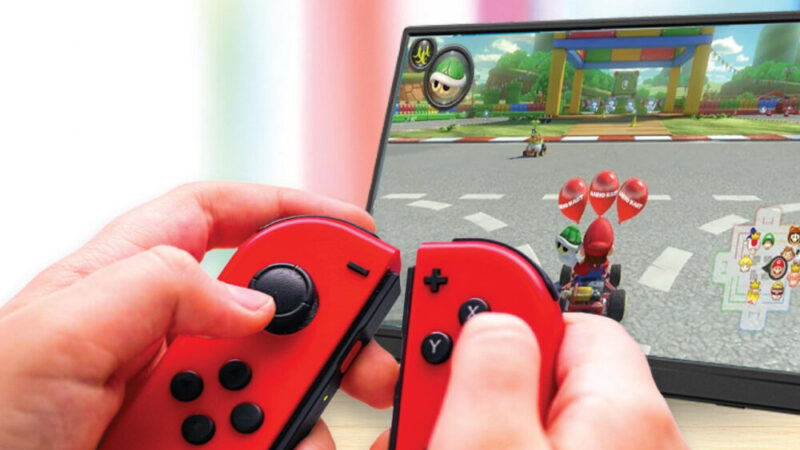
I also took the opportunity to connect the screen to my Nintendo Switch. While the frame rate of the screen probably isn’t suited for gaming, if you’re on a long road trip, it’s good enough for a couple of rounds of Mario Kart or Mario Party.
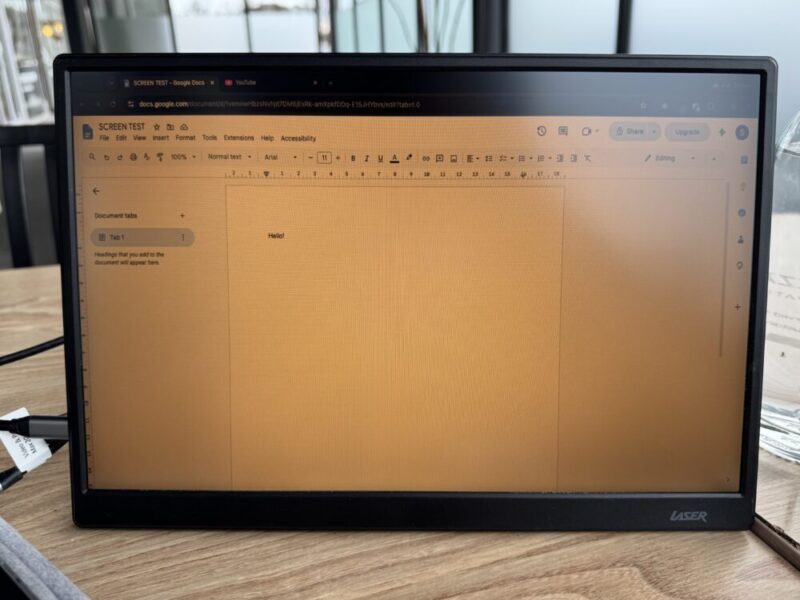
But to really test it out, I took the screen to a cafe and sat outside with it. I found that the screen struggles a little bit outside with any natural light, but for the most part, I was able to watch videos and do my work with no problems. The sound quality is also pretty good coming through the Laser, but if you value high-quality sound, it’s probably best to bring your headphones.
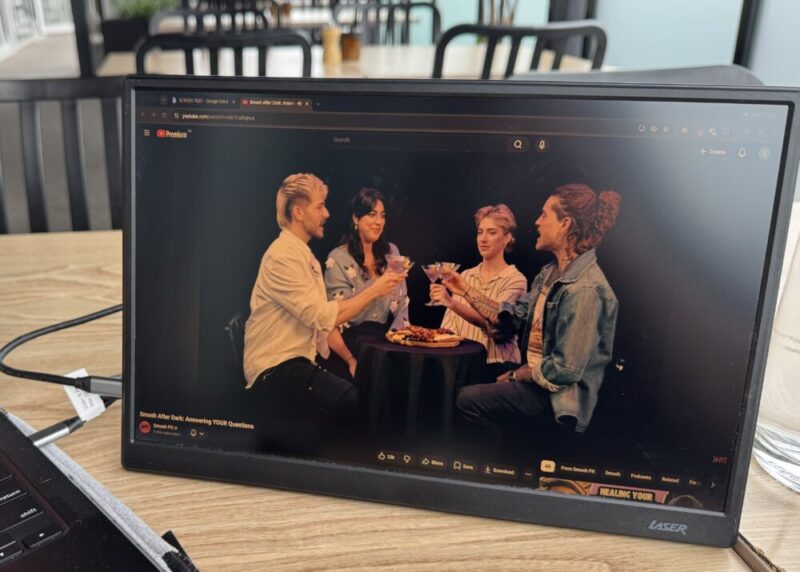
It’s also so lightweight that I could barely feel a difference in weight when I added it to my bag, alleviating any thoughts of inconvenience or heaviness that I’d feel from carrying around a portable screen with me.
Verdict & Value
While the quality of the screen isn’t perfect for everything, it’s at least enough for any admin tasks and watching videos, so don’t expect to be using the screen for any heavy gaming or editing. The lightweight build of the Laser 14” Portable Monitor and its slim size make it easy to put away if you don’t need it, but also really easy to carry along with you if you need that extra screen while you’re out and about.
All in all, it’s a really great addition to boost productivity at a really low cost. At just $149, it elevates your desk set-up and gives you the option to add another screen on the days you’re on the road.


FOUR STARS (OUT OF FIVE)
Highlights: Very lightweight and easy to carry around
Lowlights: Struggles with glare in natural sunlight
Manufacturer: Laser
Price: $A149.95
Available: Now at The Good Guys and Harvey Norman
Review is based on the unit provided by Laser.
Featured header image also provided by Laser.
