

Don’t get me wrong, there are some really good cameras out there, and a purpose for every type of camera. But for most of us, you might not be so surprised to find there’s a decent option in your pocket. That’s the one, your phone. If you have a smartphone that’s generally receiving new apps and updates, then you probably have a camera that’s capable of capturing life’s moments in an instant. After all, it’s the most convenient camera most of us carry.
So what not make it more useful? In a world of ever-growing gimbals and handheld devices like tripods and phone mounts, that enhance your camera’s output and functionality, why not make video recording and photos a little more stable? These are the questions that the Insta360 Flow 2 Pro asks. While I believe it feels more like an entry-level option for those in need of, or wanting a gimbal, you’ll be pleasantly surprised to find just how capable this actually is.
Design & Setup
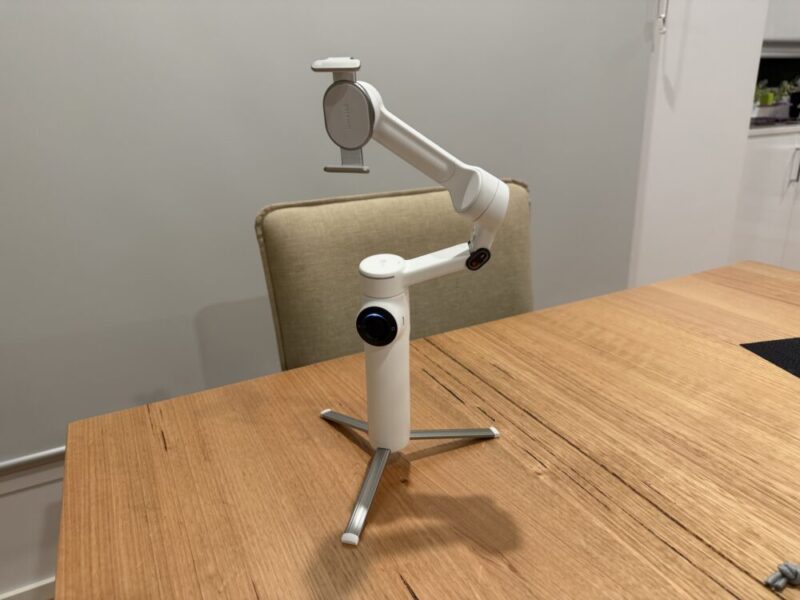
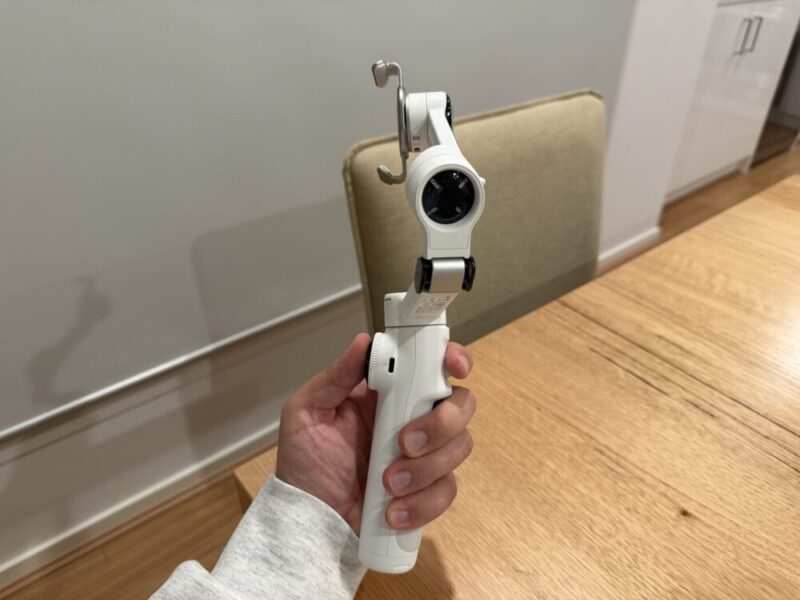
Available in two colours, Stone Grey or Summit White, we had the option of reviewing the latter, and I personally really love the look of it. The handle feels incredibly comfortable in the hands, and everything sits close to your thumb up front, or near your pointer finger around the back of the grip. It also only weighs 300g, which helps this remain incredibly comfortable after longer recording sessions.
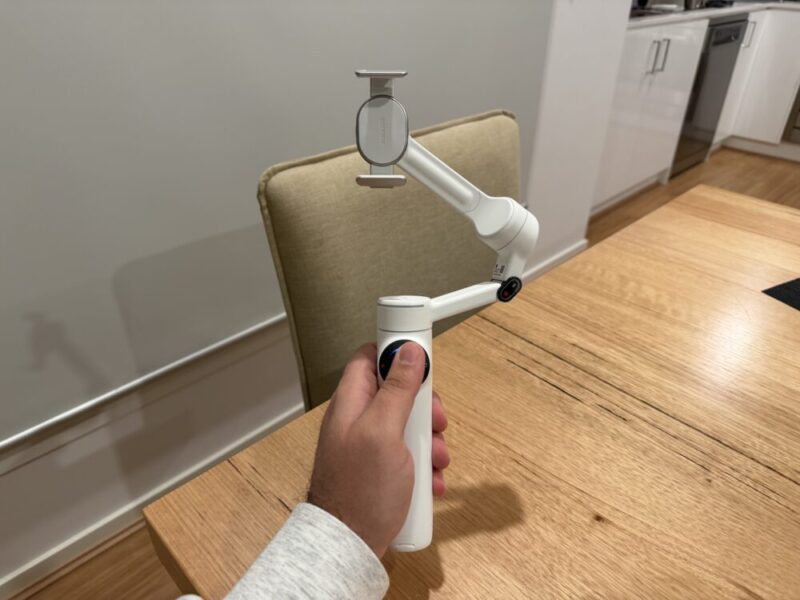
It’s worth noting that the Flow 2 Pro comes in various bundles with additional accessories, but we’re only reviewing the standard bundle, which comes with the Insta260 Flow 2 Pro, a Magnatic Phone Clamp, USB-C to USB-C charging cable and a Protective Pouch. It’s a fine package that’s easy enough to unbox, and just as easy to set up.
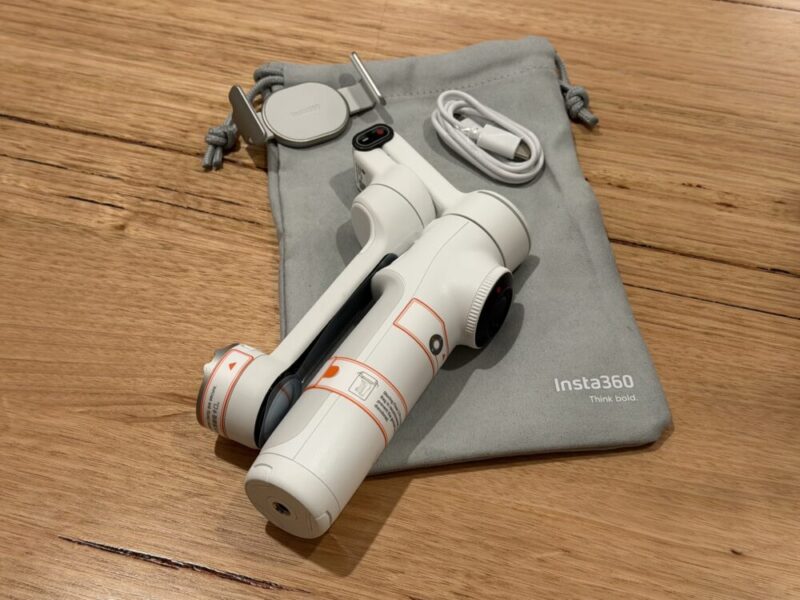
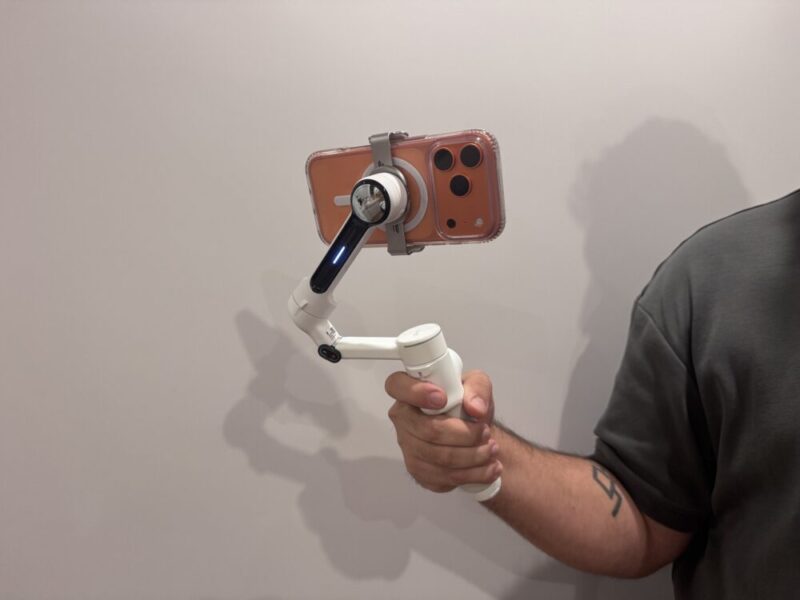
After peeling off the multiple stickers that give you a crash course on how to use the gimbal, you’ll only need to fold the upper arm up and out from its resting position, and tap your phone on the top of the handle, on a conveniently located NFC tab. Downloading the Insta360 app on either iPhone or Android will also help you get going, but once you pop your phone in the magnetic mount and snap that onto the top of the gimbal, you’re basically ready to go.
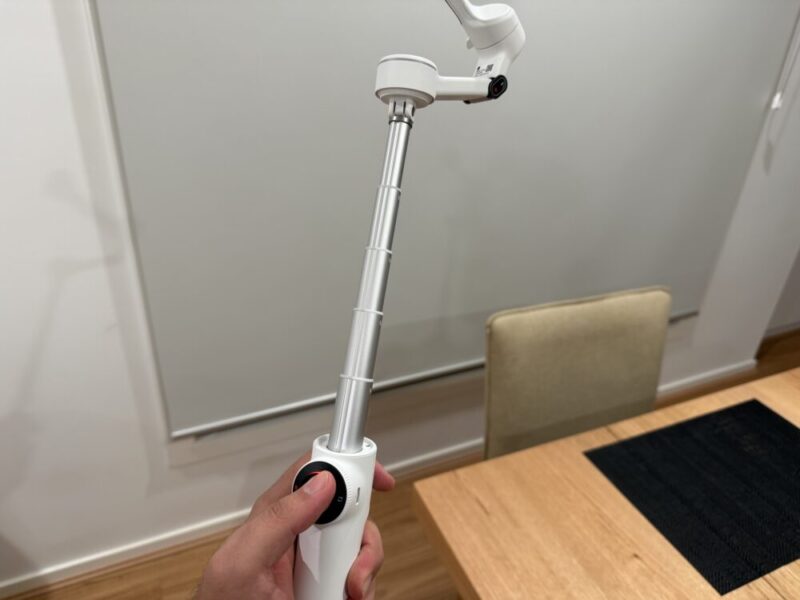
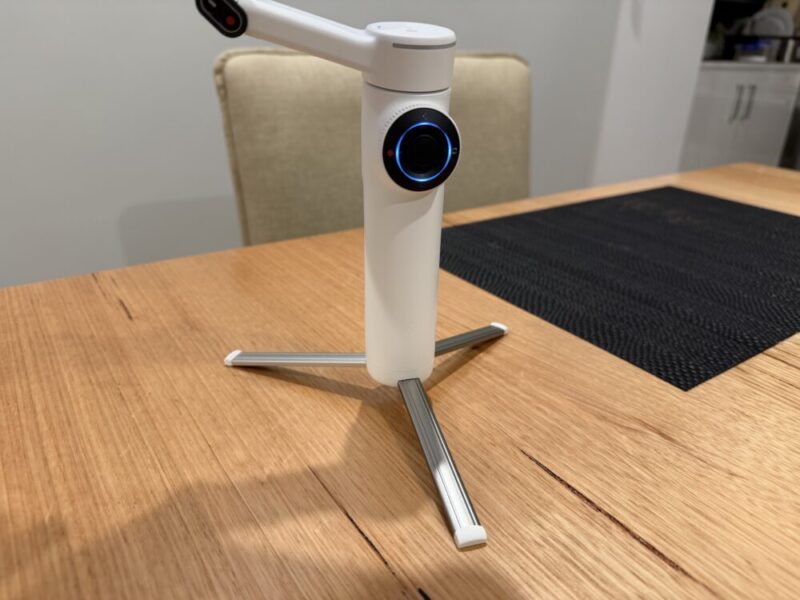
The added value of the Insta360 Flow 2 Pro comes from its tripod and extension pole functions, both of which can come in handy for several reasons. The tripod simply pulls out in the form of three legs from underneath the handle, while the 21cm extension pole pulls out from the top of the handle, or the start of the gimbal arm.
Performance
The Insta360 Flow 2 Pro does exactly what it sets out to do, and that’s to stabilise your phone while you’re recording. You can even double-tap the Switch button to change the orientation of your phone from landscape to portrait, and use the dedicated shutter button to take shots or record, which comes in handy.
The Flow 2 Pro offers a few modes, all of which are easily accessible via the M button, located below the thumbstick on the front of the gimbal. This button can be pressed to cycle through modes, all of which are highlighted on your screen when using the Insta360 app.
Auto mode is generally what I would recommend, especially for users who may be recording on someone else’s behalf momentarily. This is activated by simply holding down the trigger around the back of the grip, which will help focus, pan, tilt and track on the fly. It can get a little lost at times if multiple subjects are in or moving across the frame in a particular video, but I found myself relying on it the most. If this isn’t an issue, you can also utilise an Active Plus mode, which prioritises focus with additional sensitivity by tapping and then holding that same trigger.
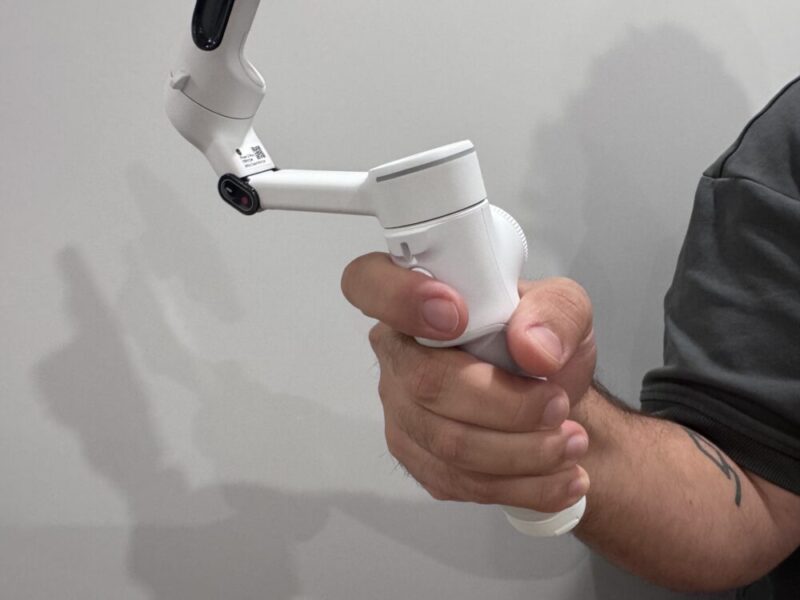
Users can also take advantage of a few additional modes to help track and record subjects. For example, the Follow mode is used to pan and tilt as they move along, great for walking or action shots. A Pan Follow mode, which only pans, is great for someone at your height level, while FPV mode controls the roll axis. If all else fails, or you need to adjust accordingly, the thumbstick can be used to nudge the camera in the desired direction.
While the 21cm extension pole also allows you to get better shots from farther away, and is mainly geared towards selfie shots or to see over crowds at a concert, for example, I really did wince every time I had to pull this out. It’s certainly sturdy, but it does require a certain amount of force, at least for the first few times, in order to extend it. When the gimbal is on, and I quickly want to get that shot from further away, I just feel like the plastic build quality didn’t really lean towards this tougher action.
Thankfully, on the other hand, the tripod is incredibly easy to pull out and sits quite well on a flat surface, though I wouldn’t want to risk it on a more uneven surface, as the legs aren’t that strong.
Software
While I normally reserve this segment for the companion app of each device, I feel it’s only right to mention that the Insta360 Flow 2 Pro also includes Apple DockKit support, an iOS framework that essentially automatically supports over 200 third-party apps for things like video calls, streaming and general content creation and recording.
The dedicated Insta360 app is great, but if you’re simply looking to use the native iPhone camera app, for example, the gimbal knows what’s up, and there’s no need for further programming or adjustments. Unfortunately, it seems like Android users can only track through the Insta360 app, which is a shame and does detract from some of the value here.
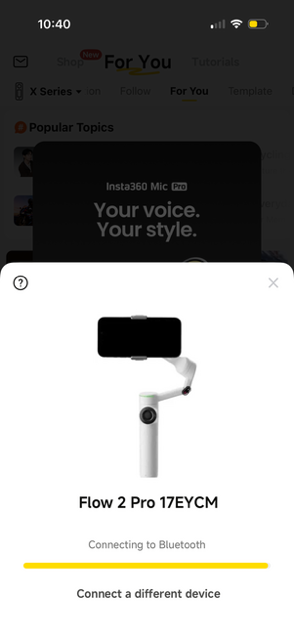
Beyond this, though, anyone can take advantage of the Insta360 app for the full benefits. While having Apple DockKit support is certainly convenient, I would urge you to use this app wherever possible, as it’s certainly more detailed. Aside from the nifty little tutorial when connecting the gimbal, you’ll get access to a range of settings that take full advantage of your camera, while being able to highlight objects, people, pets, or anything else in between that you wish to track.
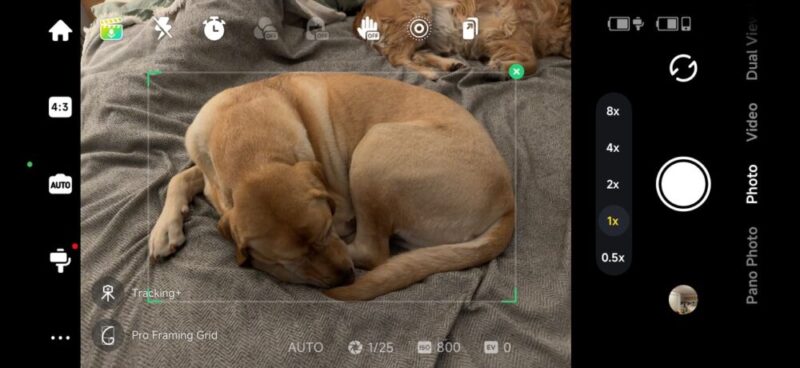
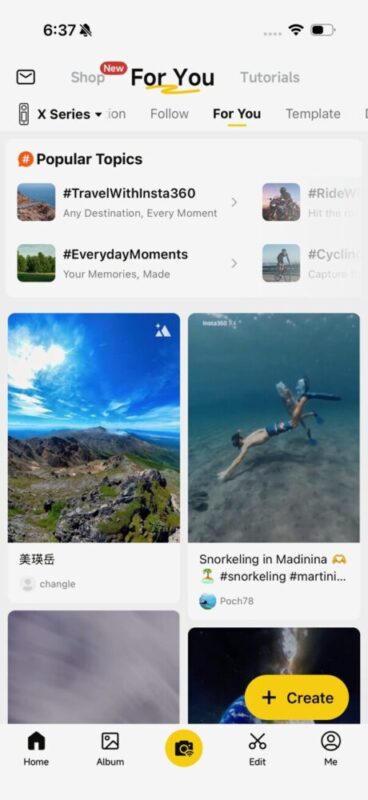
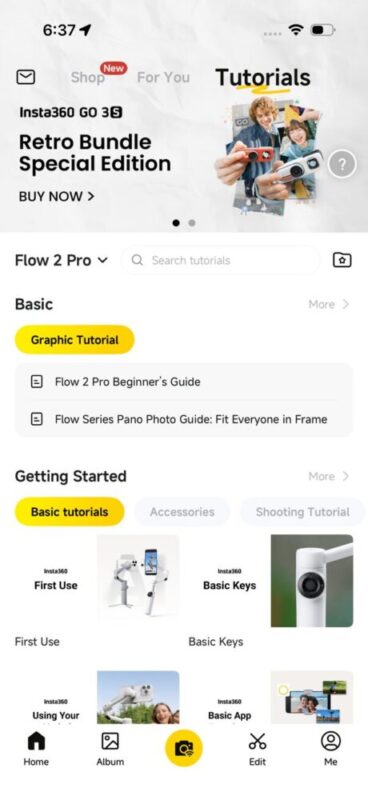
There’s even a range of tutorials to help you get better shots and improve your skills with the gimbal, and it’s also a great place to check out how everyone is using theirs, too. Menus are also really easy to navigate, and once you’re in the main Capture mode, things look and feel incredibly intuitive.
Verdict & Value
Minor gripes with its lack of in-built app and software support on Android and its plastic build aside, which makes pulling the extension pole out feel a little dangerous, there’s a fantastic gimbal on offer here that I would consider one of the best options at this price point.
It’s easy to set up and use, complete with various modes and controls, and the dedicated Insta360 app simply improves the entire experience with additional tracing features and tutorials. If you’re always recording on your phone, this is definitely an option to consider.


FOUR STARS (OUT OF FIVE)
Highlights: Included tripod and extension pole; Apple DockKit support is fantastic; Generally easy to use and set up; Insta360 app is easy to use and gets the most out of the gimbal
Lowlights: AI tracking via dedicated iOS apps is a little hit and miss; Android users have to rely on the Insta360 app for recording; The extension pole can feel a little too stiff
Manufacturer: Insta360
Price: A$239.99
Available: Now
Review based on unit supplied by Insta360, and available via the official Insta360 website.
