

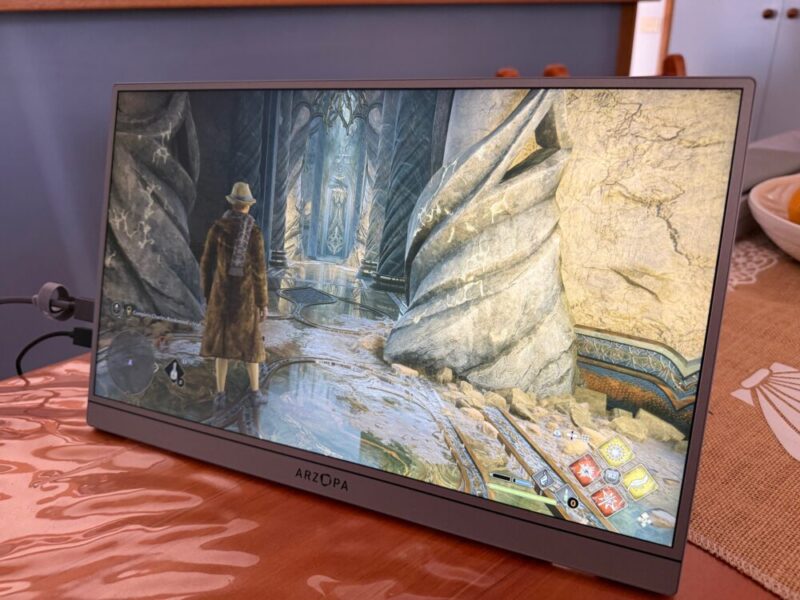
In today’s day and age, we do more on the go than ever. Whether for work, gaming, or a mix of both, the rise of portable monitors has arguably never felt more justified. We recently had the chance to take the Arzopa Z3FC portable monitor for a few weeks now, and have been pleasantly surprised by the results.
It’s a sleek and stylish device that’s made to work with a range of devices, from laptops to gaming consoles, with various cables included. With a nicer QHD resolution and 180Hz refresh rate, it’s a decent option for gaming on the go, or to simply game where a TV might not be available. I actually took this away with me on holiday and used it on my PlayStation 5 Pro.
While I do have some gripes with the lack of vibrant HDR capabilities and subpar stereo speakers, there’s still a fair amount of value here for everyday users.
Design
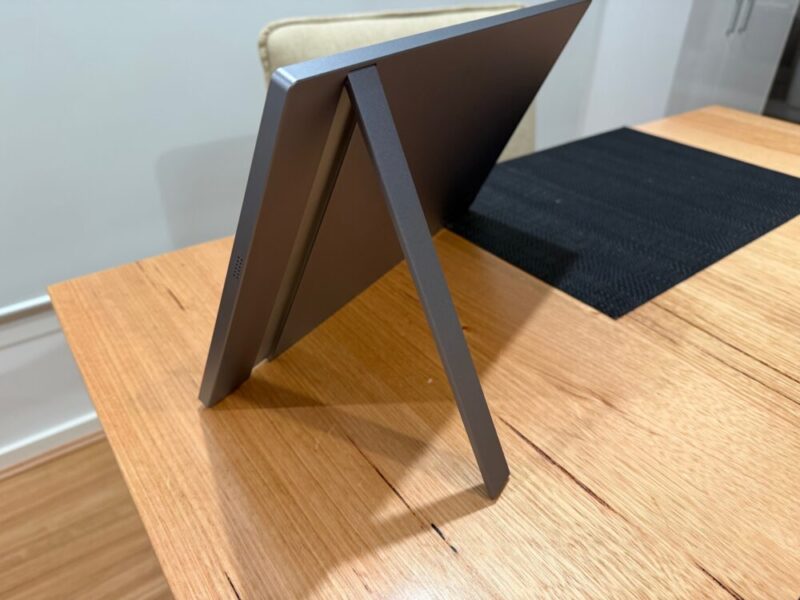
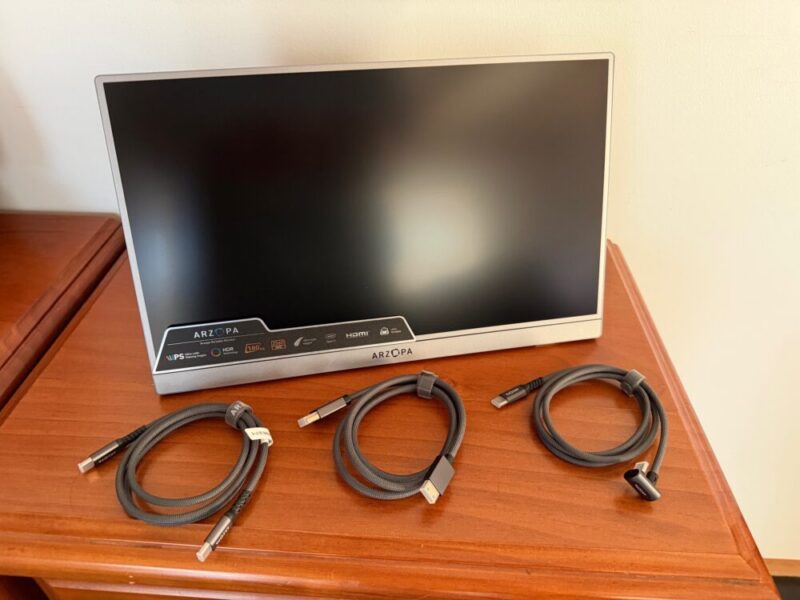
The Arzopa Z3FC packs in a 16.1-inch 2.5K QHD (2560 x 1440) display that weighs an incredibly light 780g and is super thin at just 9.3mm, making it an easy addition to your backpack for the daily grind, or in your luggage for longer trips. The grey matte aluminium alloy finish is also really nice, and feels incredibly sturdy in the hands.
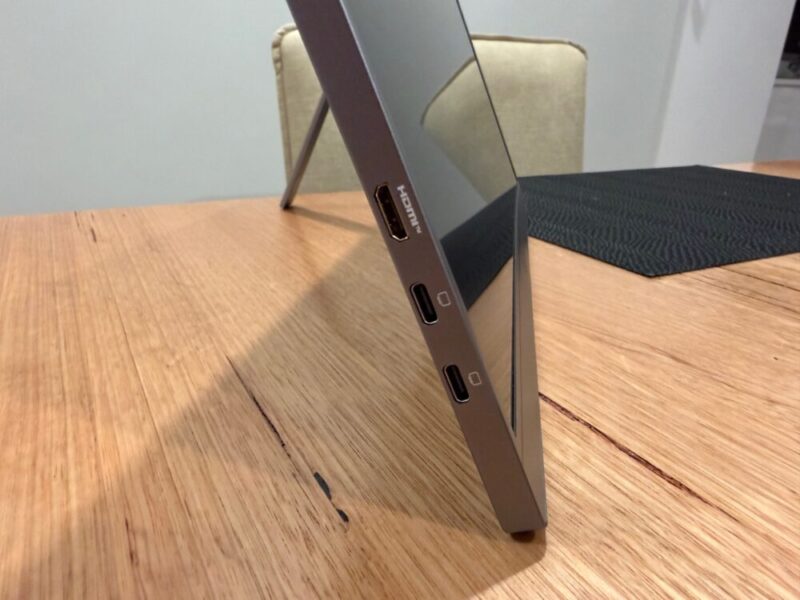
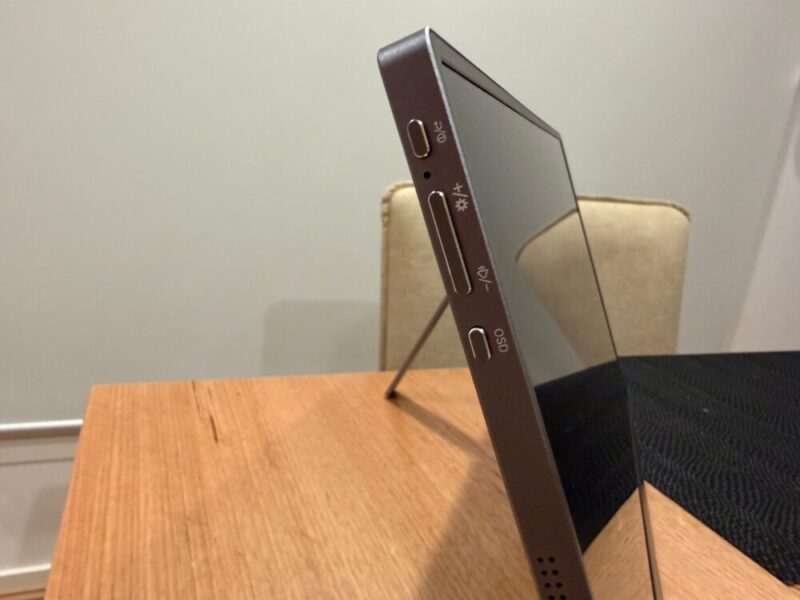
The display is quite minimal, with 2 USB-C 2.1 ports and a single Mini HDMI port on the side. Further up on that same side, you’ll find a dedicated power button, volume control buttons, and given this display automatically detects devices, it’s all it really needs as far as functionality is concerned. There’s even a nice slim kickstand at the back which folds out up to 80 degrees, and feels quite sturdy, given how thin it is.
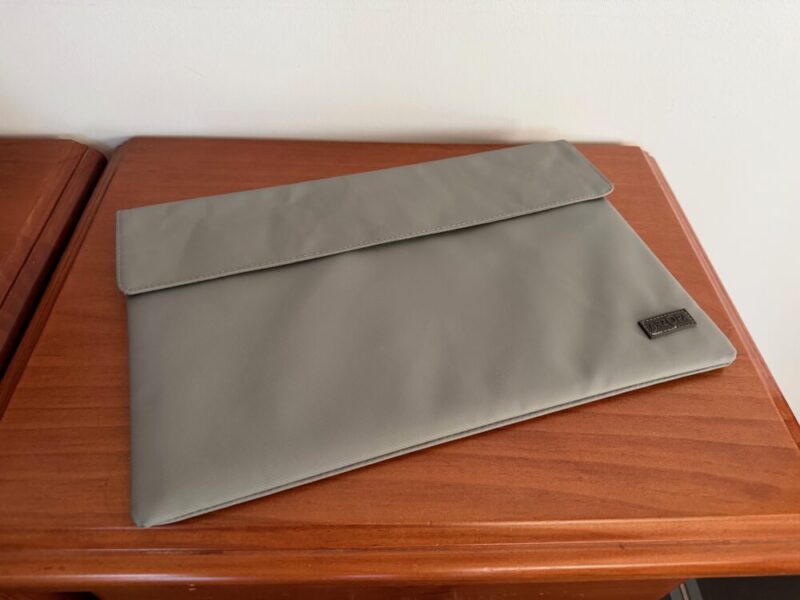
In the box, you’ll also get a nice fabric sleeve to pop the display in, along with a standard USB-C to USB-C cable, a standard USB-C to right-angle USB-C cable, and a Mini HDMI to HDMI cable. Depending on the device, you may need to use more than one cable at once, but we’ll touch on that a little later.
Display
The Z3FC is an IPS panel that features a 107% sRGB colour gamut, 1000:1 contrast ratio and 400 cd/m² of brightness, making it a very respectable portable monitor for most everyday tasks. Even running at the aforementioned QHD (2560 x 1440) reoslution depending on the compatible device, things look great.
The IPS panel also helps for better viewing angles, which makes sense, given you’ll generally have this off to the side if it’s acting as an additional monitor anyway.
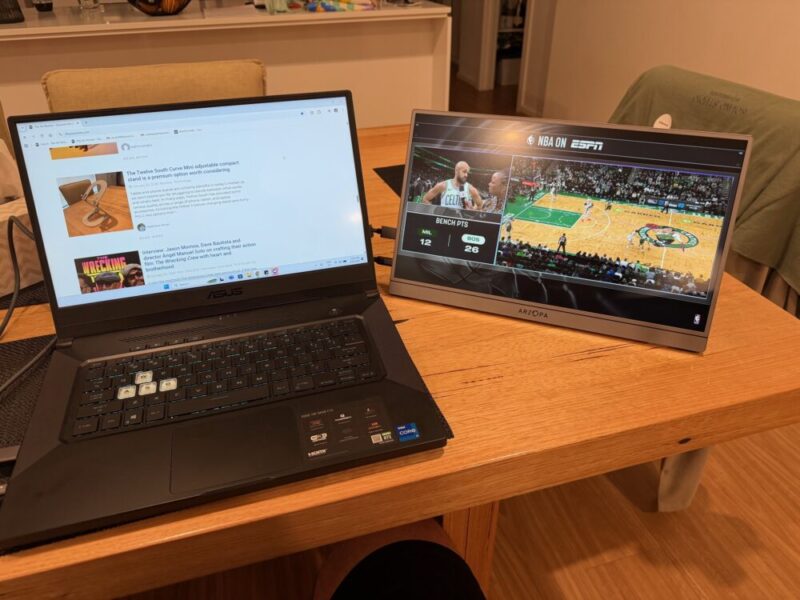
I admittedly used the ZF3C mostly for gaming, and I really felt the colour gamut impacts HDR content, which feels a little flat. This only really applied to gaming, as I think that the standard SDR content, when used in conjunction with my laptop, for example, wasn’t too bad at all.
But with an 8-bit display colour and colour depth, I find it bizarre that Azorpa is promoting and HDR 10 compatibility here, as that usually runs on 10-bit colour depth. As a result, when HDR is activated on something like the PS5 Pro, for example, colours feel way too washed out to feel like anything else you would normally find HDR on.
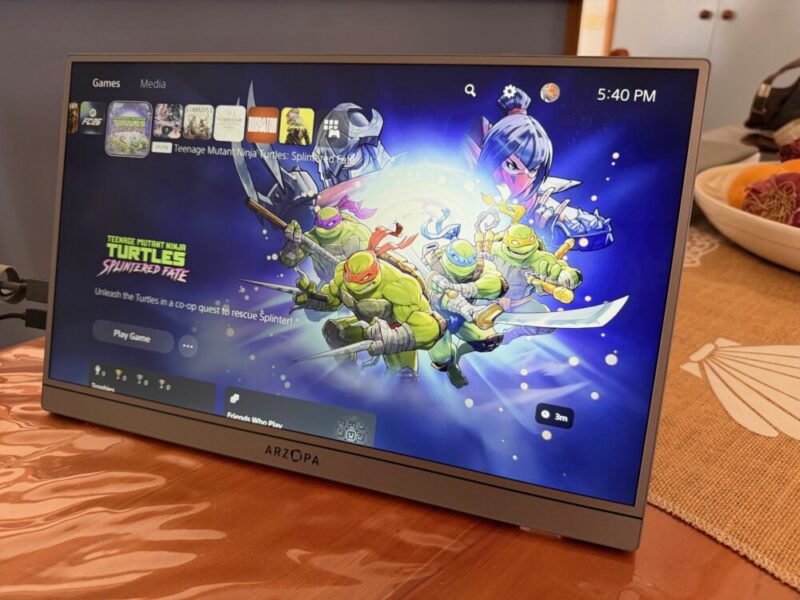
It’s strange because SDR content generally looks good, and while there are a few settings and presets to mess around with, I could never get HDR content to look quite right, and eventually ended up disabling it altogether, choosing lower peak brightness for a more saturated colour gamut.
Performance
You can get a 180Hz refresh rate via a DisplayPort, but I found it interesting that the included Mini HDMI to HDMI cable only supports 144Hz. Sure, you can buy a DisplayPort cable and an HDMI to Mini HDMI adapter, but it’s an extra step that sort of gets in the way of the portability of it all, when there are multiple cables and adapters hanging off this thing.
That being said, with both the USB-C to USB-C cable and HDMI to Mini HDMI cables, it’s decent enough and works well with most gaming consoles, and I got a decent amount out of the PS5 Pro.
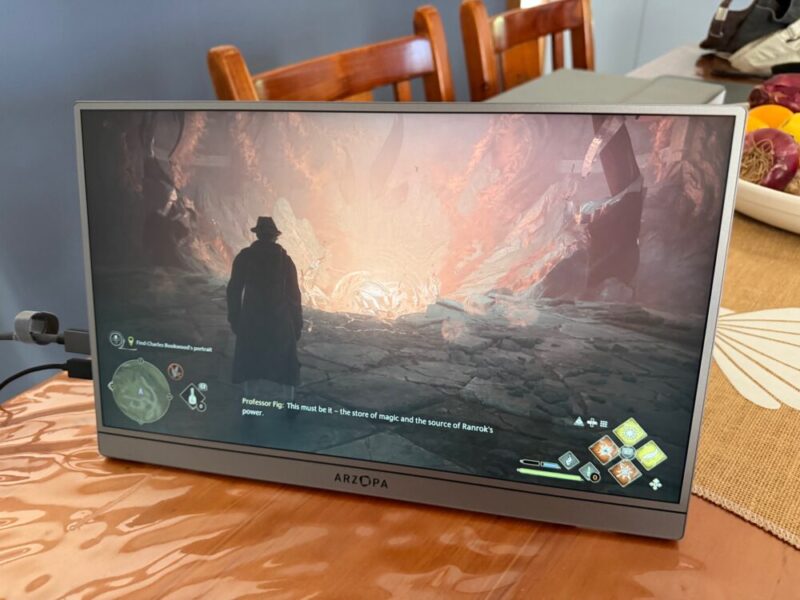
The Z3FC also packs in two 1W speakers, but I would only recommend these as a means to an end. If you’re connecting this monitor to a laptop or PC, use those standard speakers. If you’re connecting this to a gaming console, use a headset.
While they’re a nice inclusion and provide value to the overall package, they’re simply not that loud and sound quite tinny, with next to no bass. I get that most portable monitors or monitors in general don’t include speakers, regardless, but it’s a shame they’re not that good.
Finally, I would also like to point out here that for gaming, the input lag is incredibly minimal, making it great for all types of compet9i9tive and single player gaming alike. I can understand that not much processing might be going on in the background, but it’s a feature I commend nonetheless.
Verdict & Value
Overall, the Arzopa Z3FC portable monitor, for all its shortcomings, still provides some decent value for all kinds of situations, including everyday use and even gaming on multiple consoles.
While it lacks decent speakers and vibrant HDR capabilities, the IPS panel and 2.5K resolution, in conjunction with its slim and stylish design, make this an incredibly versatile portable option.


THREE AND A HALF STARS (OUT OF FIVE)
Highlights: Stylish design; Plug and play functionality; Sharp resolution and smooth refresh rate; Compatible with a range of devices
Lowlights: HDR feels washed out; Dual speakers are a nice inclusion, but don’t sound that great
Manufacturer: Arzopa
Price: A$296
Available: Now
Review based on unit supplied by Arzopa, and is available via Arzopa’s official website.
